Higgsfield Cinema Studio: how to direct cinematic AI scenes
Cinema Studio is Higgsfield’s workspace for filmmakers. Instead of hoping a prompt gives you a good shot, you direct it: camera, lens, light, genre and rhythm. Here is how to get the most out of it.
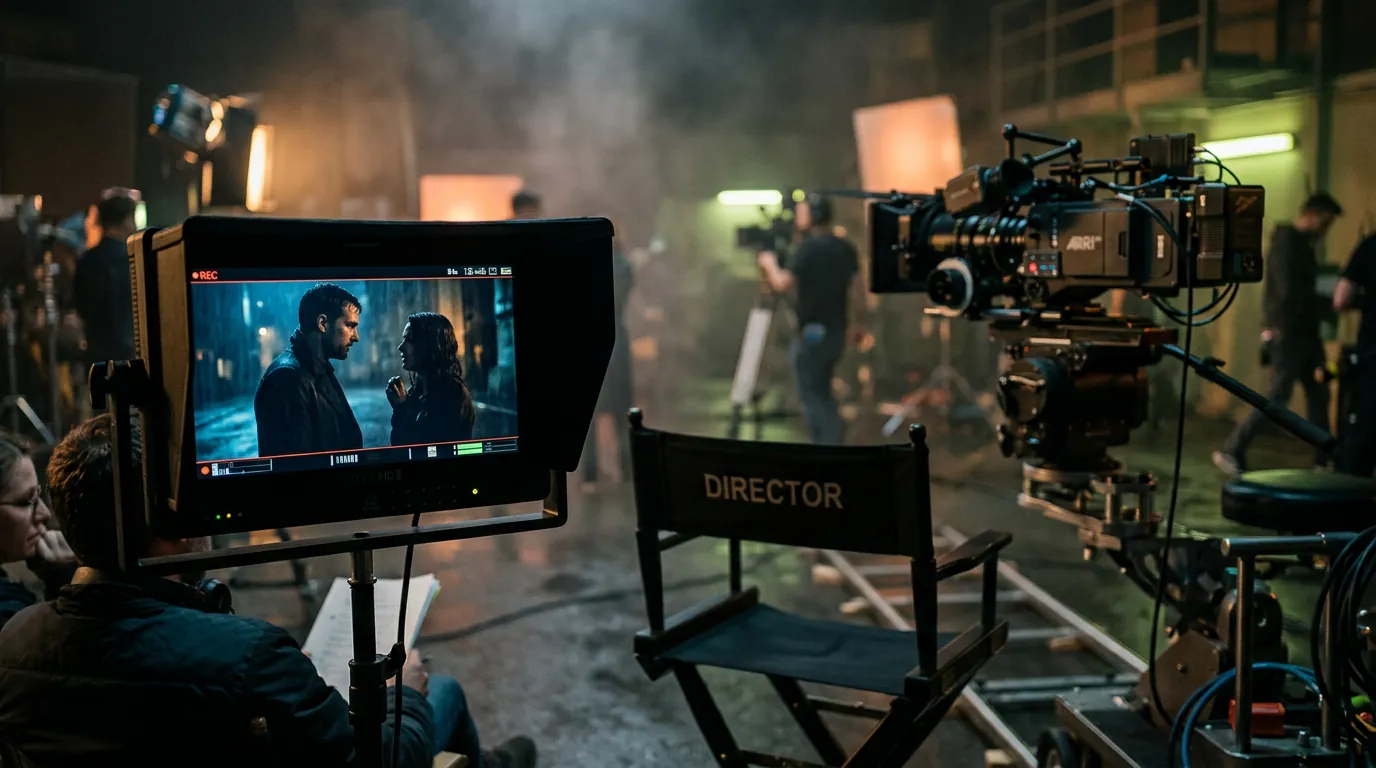
- Cinema Studio adds film-making controls on top of AI video and image generation.
- Its latest video model (Cinema Studio 4.0 in our October 2026 check) is described as cinema-grade, with automatic direction of camera, lighting, pacing, genre and era.
- It shines for trailers, short films, music videos and pitch films — less so for quick social clips.
What Cinema Studio is
Most AI video tools take a prompt and give you a clip. Cinema Studio is built around the way films are actually made: you think in shots, and for each shot you decide how the camera moves, what lens it uses, how the scene is lit and how fast it unfolds. Higgsfield’s catalogue lists Cinema Studio models for both video and stills (cinema-grade images up to 4K), so you can create key frames and animate them in the same visual language.
Features and version numbers evolve quickly. The workflow below stays valid even when the buttons move.
When to use it (and when not)
| Use Cinema Studio for… | Use something else for… |
|---|---|
| Trailers, teasers, mood films | Fast, trend-based social clips (use presets) |
| Short films and narrative scenes | Product ads at volume (use Marketing Studio) |
| Music-video shots with strong camera moves | Simple image animation tests (use a budget video model) |
| Pitch decks and previz for real productions | Talking-head presenters (use lip-sync tools) |
Step 1 — Write a director’s brief
Before generating, write three lines. They keep every shot coherent.
Story: [one sentence: who, where, what changes]
Look: [genre, era, colour palette, film stock feeling]
Rhythm: [slow and contemplative / tense and fast / dreamy]
Example: Story: a courier crosses a flooded city at night to deliver one last letter. Look: neo-noir, near future, teal and amber, 35mm grain. Rhythm: slow, tense, long takes.
Step 2 — Break it into shots
Write 4–8 shots, each with one action. Mix shot sizes — a wide to set the place, mediums for action, close-ups for emotion. Our first AI video guide has a shot-list template.
Step 3 — Choose camera, lens and light per shot
- Camera move: dolly in for tension, orbit to reveal, crane up for scale, handheld for urgency, static for calm.
- Lens: wide for space and isolation, 50mm for natural, long lens for intimacy and compressed backgrounds.
- Light: keep one dominant light logic across the whole film (for example “sodium street lights and neon signs”).
- Pacing: slow shots feel bigger and more cinematic; reserve fast moves for a single peak moment.
Step 4 — Create key frames, then animate
Generate a still for each shot with the Cinema Studio image model (or another image model), compare them side by side, and regenerate any that break the look. Then animate each key frame in Cinema Studio video. This two-step approach is cheaper and gives you far more control than text-to-video alone.
Step 5 — Keep characters consistent
If the same person appears in several shots, use Higgsfield’s character tools (Soul Cast or a trained Soul character) and reuse the same reference image. See our consistent characters guide.
Step 6 — Edit, grade and score
Assemble the shots in an editor, trim stiff first and last frames, apply one light colour grade across everything and add sound design and music. Sound is half of what makes a sequence feel like cinema.
Frequently asked questions
Is Cinema Studio included in every plan?
Availability and credit costs depend on your plan and change over time. Check the official pricing page; premium cinema models usually cost more credits than standard video models.
How long can a Cinema Studio shot be?
It depends on the version and settings. Plan your film as a series of short shots and edit them together, as you would on a real production.
Do I need film-making knowledge?
No, but a little vocabulary (shot sizes, camera moves, lenses) helps a lot. Our AI video glossary explains the essential terms.
Facts checked: October 29, 2026. Features, models and plans change often — always confirm on the official site.
Keep learning
What is Higgsfield AI? A clear introduction for 2026
Higgsfield AI explained in plain language: what the platform does, its main studios and models, who it is for, how credits work and how to get started.
Read guide →
Higgsfield for beginners: your first hour, step by step
A step-by-step Higgsfield tutorial for beginners: create your account, understand the interface and credits, generate your first image and turn it into a video.
Read guide →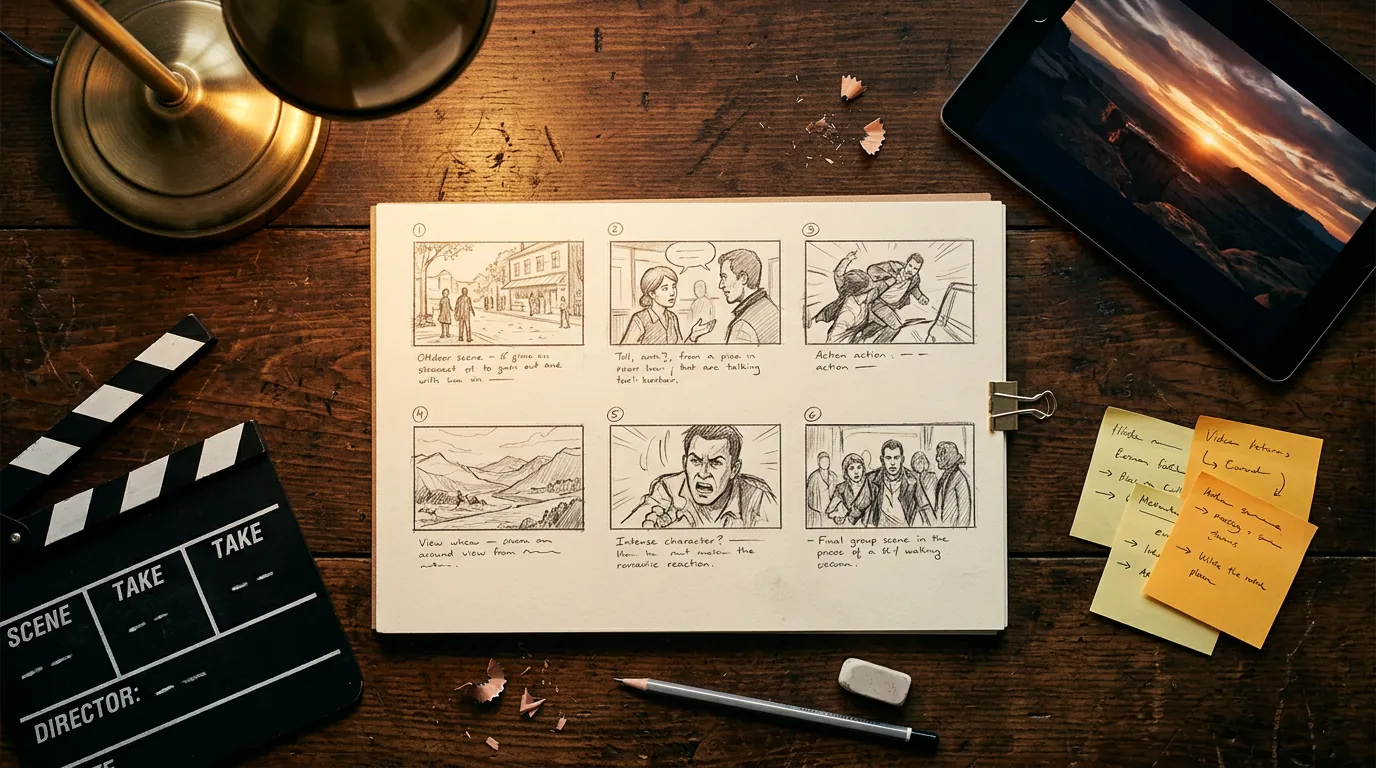
How to plan and make your first AI video with Higgsfield
A practical workflow to make a short AI video with Higgsfield: write a one-line idea, build a shot list, create key frames, animate them, add sound and edit.
Read guide →