Which Higgsfield tool should you use? A decision guide by project
Higgsfield offers dozens of models and studios. The right choice depends on what you are making, for whom, and how much control you need. This guide turns that choice into a simple table.
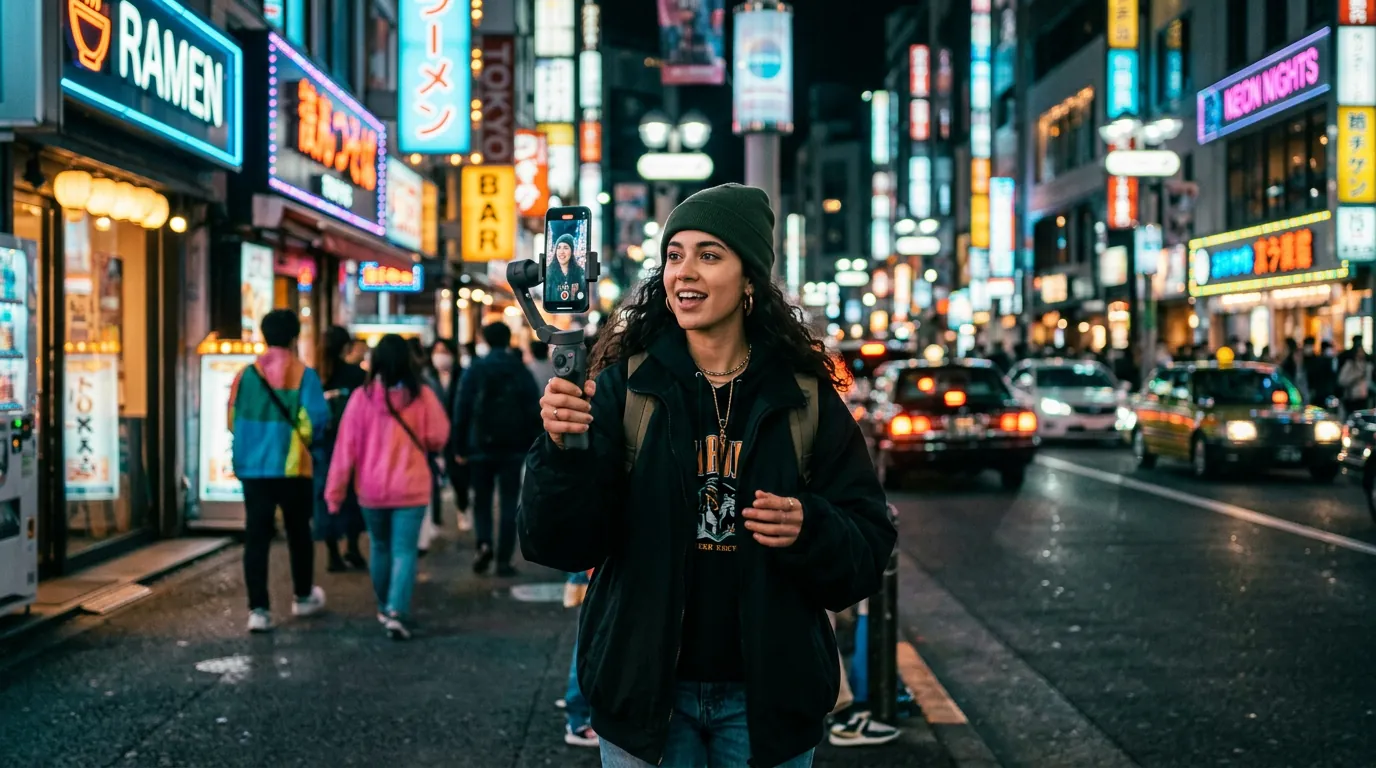
- Social clips: image model + image-to-video, or ready-made presets and effects.
- Ads for a product: Marketing Studio.
- Storytelling and cinematic shots: Cinema Studio.
- Same person across many images: Soul and character tools.
- Recreate a video’s motion with your own character: Genjutsu.
The decision table
| I want to make… | Start with | Why |
|---|---|---|
| A viral-style short | Presets / effects, then image-to-video | Proven formats, fast results, little prompting. |
| A product ad | Marketing Studio | Built for products, ad formats and social sizes. |
| A short film or trailer | Cinema Studio | Camera, lens, lighting and pacing controls. |
| A music video look | Cinema Studio or Kling / Seedance | Strong motion and stylised camera moves. |
| Fashion or portrait images | Higgsfield Soul | Realistic people, editorial and UGC aesthetics. |
| A recurring character or mascot | Soul / character tools | Identity stays consistent across generations. |
| Dance or motion replica | Genjutsu | Transfers motion from a reference video. |
| Posters with text | GPT Image, Nano Banana Pro, Ideogram | Better typography rendering. |
| A logo or icon | Recraft, Ideogram Vector | Vector-style output. |
| A talking presenter | Lip-sync and voice tools | Match speech to a face, add voice-over or dubbing. |
Three questions to ask before choosing
1. Where will it be published?
Social platforms reward vertical formats, strong first seconds and trends — presets and Marketing Studio shine here. A website hero, a pitch or a festival short needs cinematic quality and control — Cinema Studio and premium models are better.
2. How much control do you need?
Presets give the least control and the fastest results. Raw models give medium control through prompts and references. Studios give the most control with dedicated settings. Choose the lowest level of control that still gets the job done — it is faster and cheaper.
3. What is your budget in credits?
Premium video models and long, high-resolution clips consume credits quickly. Prototype with images and budget models, and save premium generations for final shots.
Three example projects
A café owner who wants Instagram Reels
Generate a few appetising images of the menu items (or edit real photos), animate them with a short, slow camera move, add on-screen text in a mobile editor. Total: a handful of images and short clips per Reel.
An e-commerce brand launching a product
Use Marketing Studio with product photos to create several ad variations in 9:16 and 1:1, test them, and keep the best performers. See our product ads guide.
A filmmaker pitching a project
Write a shot list, create consistent key frames, then use Cinema Studio to animate them into a mood trailer. See our first AI video guide.
Frequently asked questions
Do I need to use a studio, or can I just use models?
You can do a lot with models alone. Studios add structure and controls for specific jobs, which saves time once you know what you want.
Which tool is best for beginners?
Start with an image model and image-to-video. Once you are comfortable, move to the studio that matches your projects.
Facts checked: October 29, 2026. Features, models and plans change often — always confirm on the official site.
Keep learning
What is Higgsfield AI? A clear introduction for 2026
Higgsfield AI explained in plain language: what the platform does, its main studios and models, who it is for, how credits work and how to get started.
Read guide →
Higgsfield for beginners: your first hour, step by step
A step-by-step Higgsfield tutorial for beginners: create your account, understand the interface and credits, generate your first image and turn it into a video.
Read guide →
How to plan and make your first AI video with Higgsfield
A practical workflow to make a short AI video with Higgsfield: write a one-line idea, build a shot list, create key frames, animate them, add sound and edit.
Read guide →