How to write Higgsfield prompts that work (with templates)
The difference between a generic AI image and a striking one is rarely the model. It is the prompt. Here is a simple structure, a camera vocabulary and templates you can copy.
- Use the 6-part structure: shot · subject · action · setting · light · style.
- For video, describe motion and camera, not appearance — the start image already sets the look.
- Reference images give you control that words alone cannot.
The 6-part prompt structure
Most strong prompts answer six questions, in roughly this order. You do not always need all six, but checking them avoids vague results.
| Part | Question | Example |
|---|---|---|
| Shot | How is it framed? | Editorial portrait, full body, eye level |
| Subject | Who or what? | A woman in a structured olive coat |
| Action | What is happening? | Standing still, looking at the camera |
| Setting | Where? | A brutalist concrete corridor |
| Light | What does the light do? | Hard sunlight casting geometric shadows |
| Style | What does it feel like? | Muted palette, lime accent, 35mm film look, magazine quality |
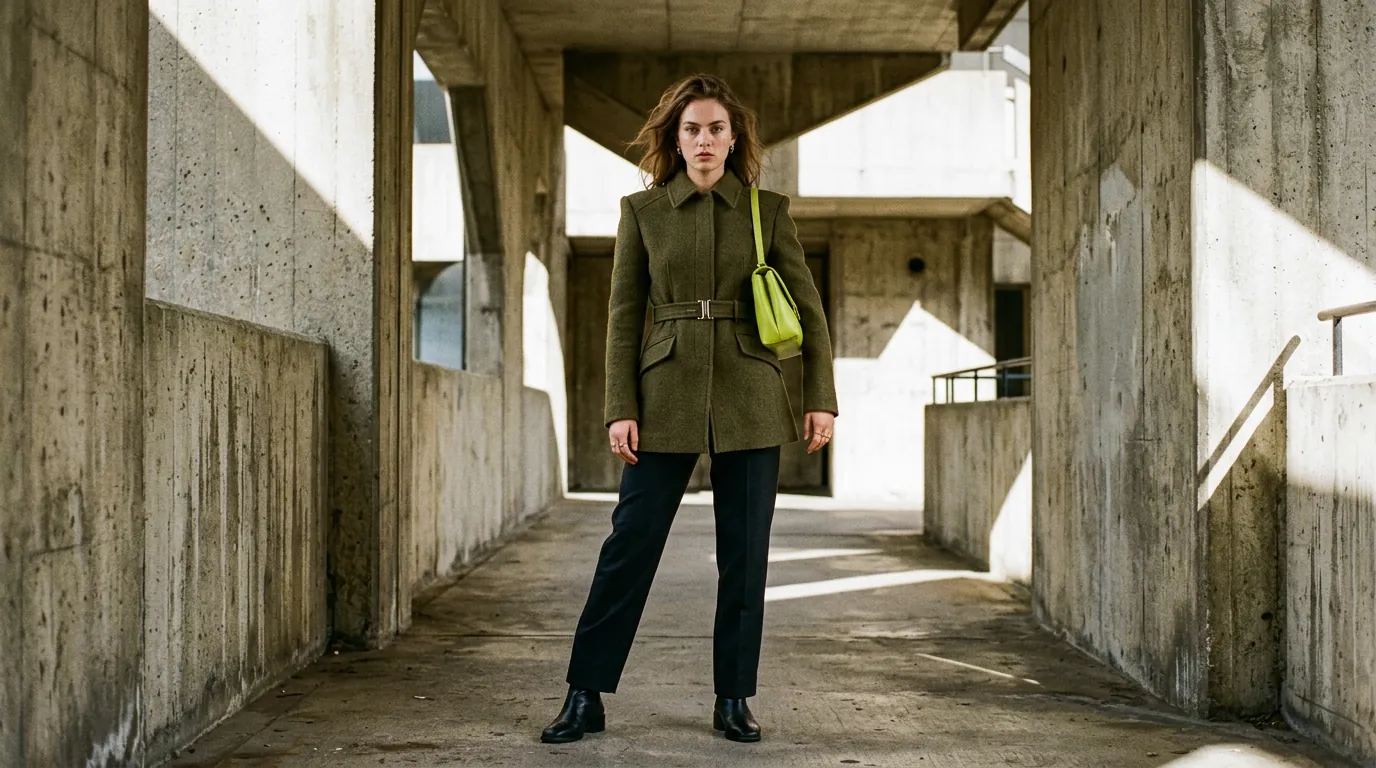
Put together, that gives the prompt behind the image at the top of this page:
Editorial fashion portrait of a woman in a structured olive coat standing in a brutalist concrete corridor, hard sunlight casting geometric shadows, muted palette with a lime accent, 35mm film look, magazine quality, no text
Ready-to-use image templates
Replace the parts in [brackets]. Each template follows the same structure.
Product shot
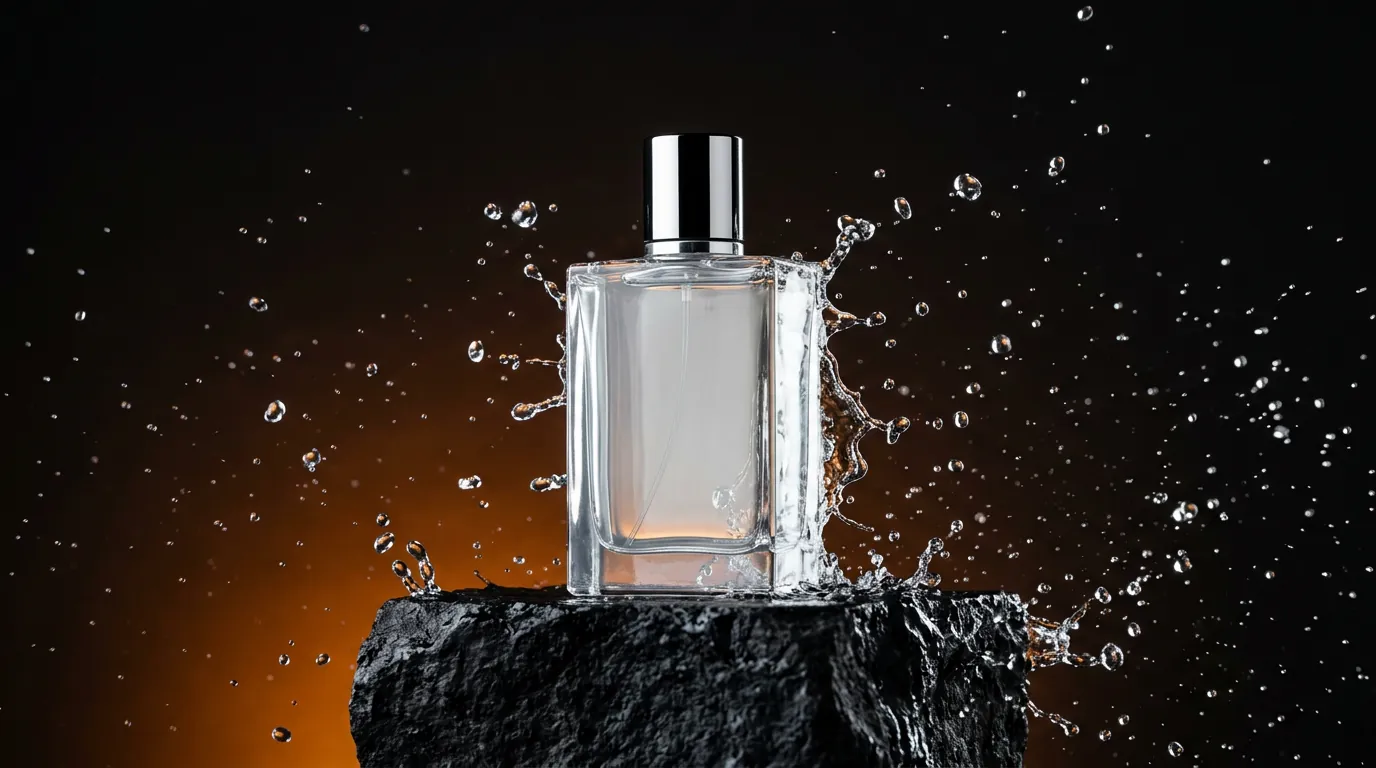
Premium product advertising photo of [product], on [surface], [dynamic element: water splash / smoke / petals], dramatic rim lighting, dark background with subtle [colour] gradient, commercial studio quality, no logo, no text
Cinematic landscape
Cinematic wide shot, [subject] in [vast location] at [time of day], [unusual element], [colour 1] and [colour 2] rim light, atmospheric haze, anamorphic lens, film grain, moody
Lifestyle / UGC
Candid smartphone-style photo of [person] [action] in [place], natural light, slight motion blur, authentic, unposed, realistic skin texture, vertical 9:16
Still life / top-down
Top-down photo of [surface] with [3–5 objects], warm [light source] light, editorial still life, realistic, no readable text
Camera and light vocabulary
AI models are trained on images described with photography and film language. Using that language gives you precise control.
- Framing: extreme wide, wide, medium, close-up, extreme close-up, over-the-shoulder, top-down, low angle, high angle.
- Lens: wide-angle (dramatic space), 35mm (natural), 85mm (flattering portrait), telephoto (compressed background), macro (tiny details), anamorphic (cinematic flares).
- Light: golden hour, blue hour, overcast soft light, hard noon sun, rim light, backlight, neon, practical lights, volumetric fog.
- Style: 35mm film grain, editorial, documentary, commercial studio, muted palette, high contrast, teal and orange grade.
Prompts for video: think like a camera operator
When you animate an image, the model already knows what the scene looks like. Your prompt should only say what moves and how the camera moves.
[Camera move: slow dolly in / orbit left / static / handheld], [subject action, one only], [environment motion: hair in the wind / drifting fog / passing cars], [pace: slow, calm / energetic]
Useful camera moves: dolly in/out (move toward or away), truck left/right (slide sideways), pan and tilt (rotate), orbit (circle around), crane up/down, handheld (natural shake), static.
Using reference images
Many Higgsfield models accept one or more reference images. They are the most powerful way to control results:
- Start frame (video): the image becomes the first frame of your clip.
- Start and end frames: some models animate the transition between two images — ideal for controlled transformations.
- Subject or product reference: keeps the same product, outfit or character across generations.
- Style reference: borrows colours, texture and mood from an image.
- Editing: upload an image and describe the change (“replace the background with a sunset beach”, “make it night”).
Fixing common problems
| Problem | Try this |
|---|---|
| Generic, “AI-looking” image | Add a specific lens, light and a texture (film grain, realistic skin texture). |
| Unwanted text or logos | Add no text, no logo at the end. |
| Wrong composition | Put the framing first: wide shot, close-up, top-down. |
| Chaotic video motion | Reduce to one action and one camera move; use a shorter duration. |
| Face changes between shots | Reuse the same reference image or a character tool, and an identical description. |
Frequently asked questions
Should I write prompts in English?
Most models understand many languages, but English prompts tend to give the most predictable results because most training data is in English.
How long should a prompt be?
For images, one or two sentences (20–60 words) is usually enough. For video, keep it shorter and focused on motion.
Does the same prompt work on every model?
Roughly, yes, but each model interprets it differently. Testing the same prompt on two or three models is the fastest way to find your favourite.
Facts checked: October 29, 2026. Features, models and plans change often — always confirm on the official site.
Keep learning
What is Higgsfield AI? A clear introduction for 2026
Higgsfield AI explained in plain language: what the platform does, its main studios and models, who it is for, how credits work and how to get started.
Read guide →
Higgsfield for beginners: your first hour, step by step
A step-by-step Higgsfield tutorial for beginners: create your account, understand the interface and credits, generate your first image and turn it into a video.
Read guide →
How to plan and make your first AI video with Higgsfield
A practical workflow to make a short AI video with Higgsfield: write a one-line idea, build a shot list, create key frames, animate them, add sound and edit.
Read guide →