Learn Higgsfield
All Higgsfield guides
Practical tutorials to learn Higgsfield AI, from your first image to cinematic videos and product ads. Start at the top if you are new.
What is Higgsfield AI? A clear introduction for 2026
Higgsfield AI explained in plain language: what the platform does, its main studios and models, who it is for, how credits work and how to get started.
Read guide →
Higgsfield for beginners: your first hour, step by step
A step-by-step Higgsfield tutorial for beginners: create your account, understand the interface and credits, generate your first image and turn it into a video.
Read guide →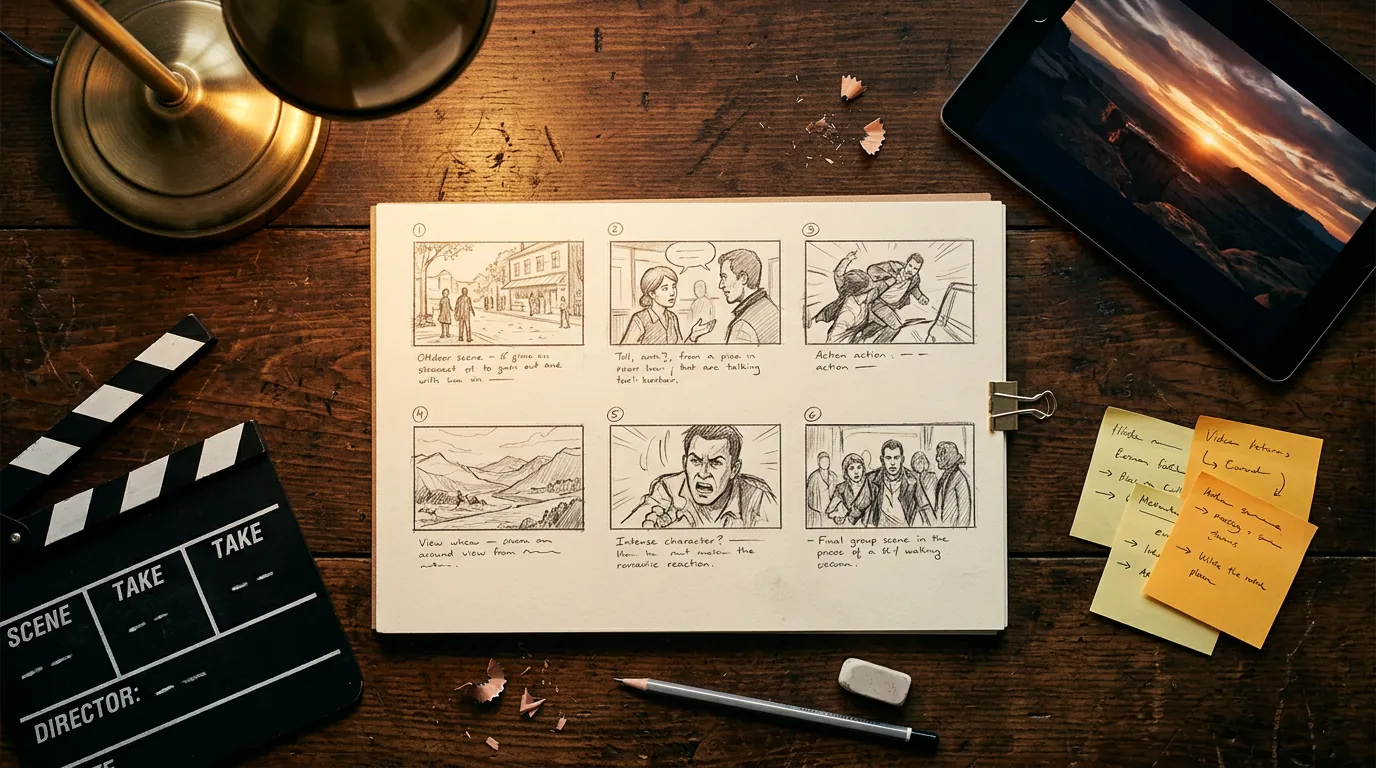
How to plan and make your first AI video with Higgsfield
A practical workflow to make a short AI video with Higgsfield: write a one-line idea, build a shot list, create key frames, animate them, add sound and edit.
Read guide →
How to write Higgsfield prompts that work (with templates)
Learn to write better prompts for Higgsfield AI: a simple 6-part structure, copy-ready templates for images and video, camera vocabulary and how to use reference images.
Read guide →
AI image generation and editing on Higgsfield: a practical workflow
How to create and edit AI images on Higgsfield: choosing an image model, aspect ratios, variations, editing with references, upscaling and background removal.
Read guide →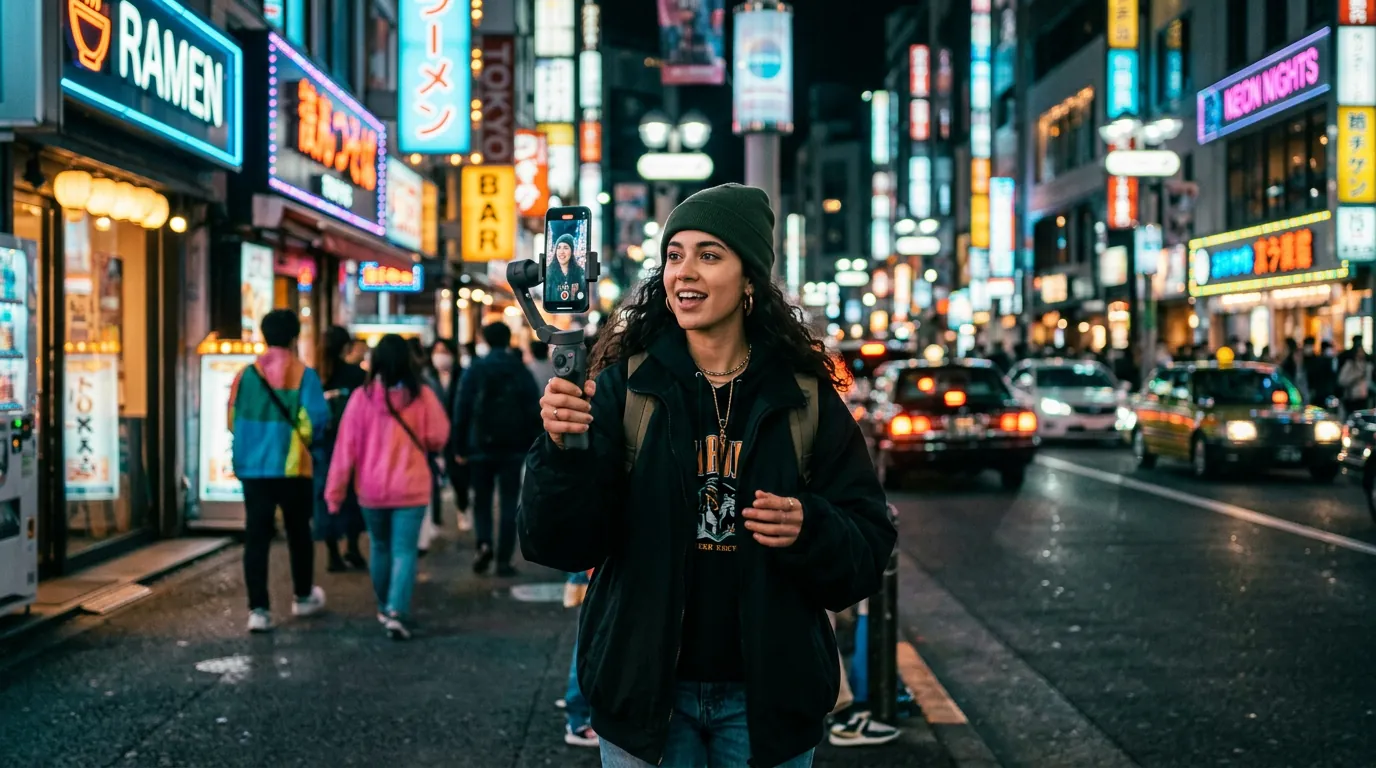
Which Higgsfield tool should you use? A decision guide by project
Match your project — social video, ad, short film, portrait, product photo — to the right Higgsfield studio or model with one simple decision table.
Read guide →
How to create AI product ads with Higgsfield Marketing Studio
Make AI product images and video ads with Higgsfield: prepare product assets, write an ad brief, pick TikTok and Reels formats, and test variations.
Read guide →
Higgsfield models explained: which AI model to use for images, video and audio
A clear overview of the AI models available on Higgsfield in 2026 — image, video, audio and 3D — with what each is best at and how to choose between them.
Read guide →Higgsfield AI FAQ: pricing, credits, rights and limits
Answers to the most common Higgsfield AI questions: is it free, how credits work, commercial use, video length, consistency, safety and whether it is worth it.
Read guide →
Higgsfield prompt library: 40+ copy-ready prompts for images and video
A free library of copy-ready Higgsfield prompts: cinematic shots, portraits, product ads, UGC, food, architecture, plus camera-move prompts for image-to-video.
Read guide →
Higgsfield Cinema Studio: how to direct cinematic AI scenes
How to use Higgsfield Cinema Studio: what it does, when to use it, how to brief a scene, choose camera, lens, lighting and pacing, and keep shots consistent.
Read guide →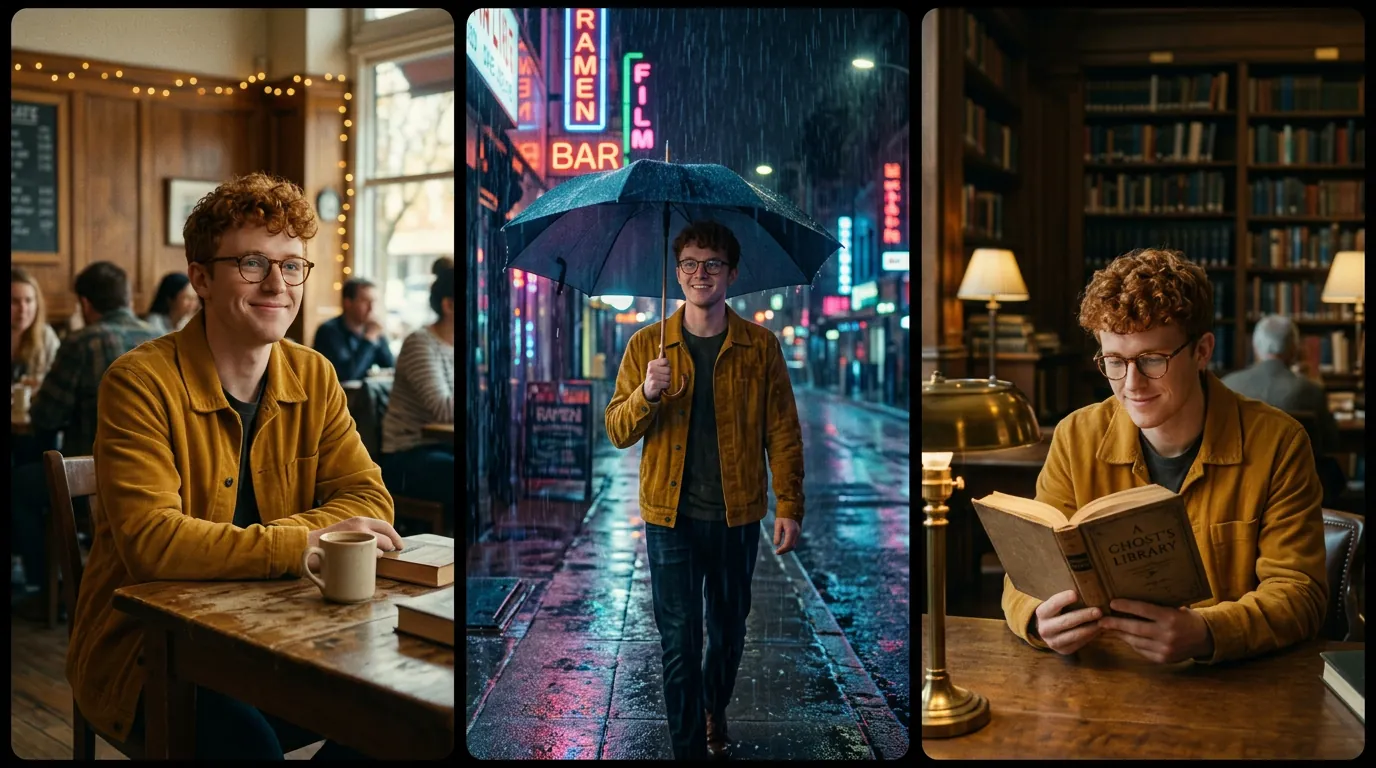
Consistent AI characters with Higgsfield Soul: a practical guide
How to keep the same face and character across AI images and videos on Higgsfield: Soul models, character references, Soul ID training, prompts and common mistakes.
Read guide →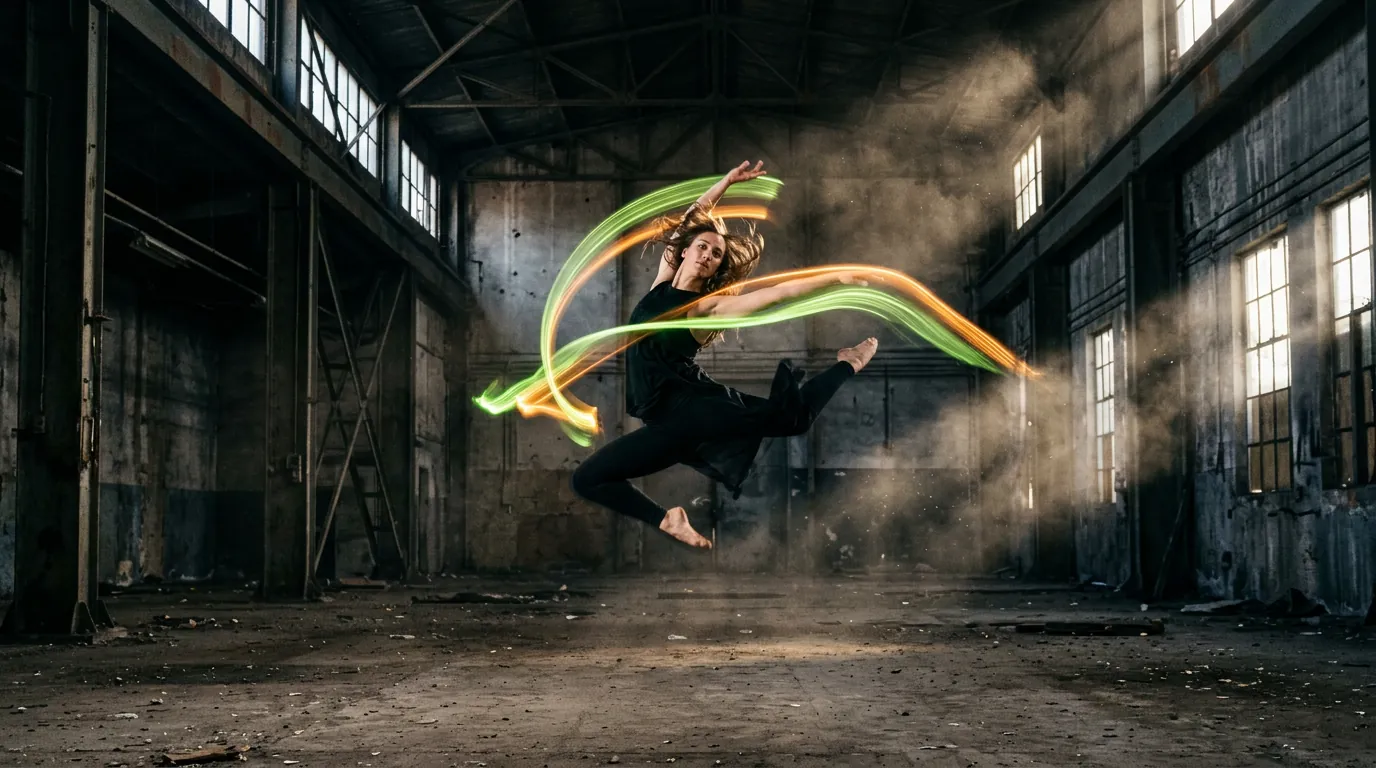
Higgsfield Genjutsu: motion transfer and object swap explained
What Higgsfield Genjutsu does and how to use it: transfer motion from a reference video to your own character, swap objects in a clip, choose Genjutsu or Genjutsu Lite.
Read guide →
How to make TikTok, Reels and Shorts with Higgsfield
A practical workflow for vertical AI videos with Higgsfield: hooks, 9:16 framing, presets and effects, image-to-video, captions, posting rhythm and labelling rules.
Read guide →AI image and video glossary: 50 terms every Higgsfield user should know
Plain-language definitions of AI image and video terms: prompt, seed, image-to-video, start frame, upscaling, LoRA, dolly, rim light, aspect ratio, lip-sync and more.
Read guide →