Learn Higgsfield.
Create with intention.
Clear, hands-on guides to Higgsfield AI for creators, marketers and filmmakers. Understand the tools, write better prompts and get from idea to finished video faster.
Independent site, not affiliated with Higgsfield. This link goes to the official website and is not an affiliate link.
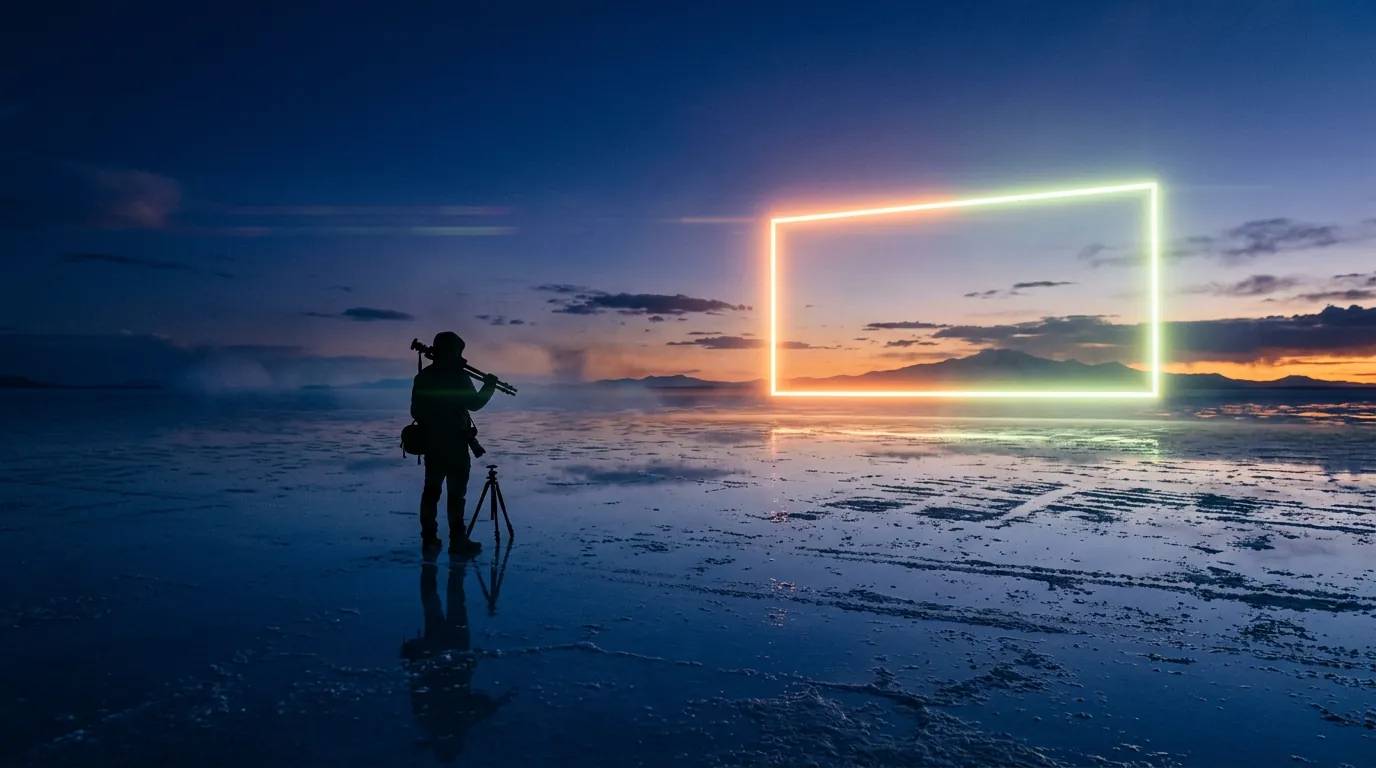
Image made with Higgsfield · Nano Banana 2
- 15in-depth guides
- EN · FRbilingual
- 40+copy-ready prompts
- 30+models explained
- Freeno sign-up needed
Start here
Guides that take you from first prompt to finished project.
Every guide is written in plain language, organised by skill level and updated when Higgsfield changes.
What is Higgsfield AI? A clear introduction for 2026
Higgsfield AI explained in plain language: what the platform does, its main studios and models, who it is for, how credits work and how to get started.
Read guide →
Higgsfield for beginners: your first hour, step by step
A step-by-step Higgsfield tutorial for beginners: create your account, understand the interface and credits, generate your first image and turn it into a video.
Read guide →
How to plan and make your first AI video with Higgsfield
A practical workflow to make a short AI video with Higgsfield: write a one-line idea, build a shot list, create key frames, animate them, add sound and edit.
Read guide →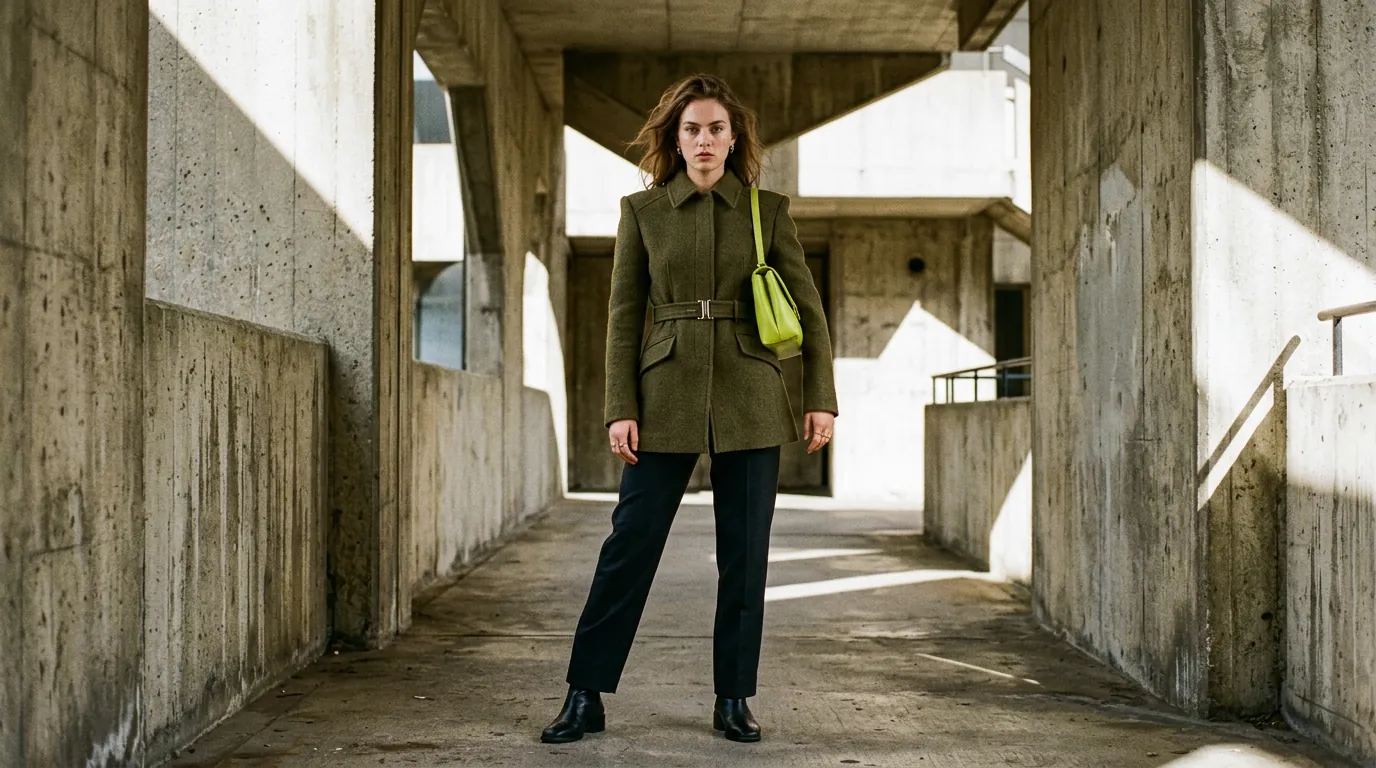
How to write Higgsfield prompts that work (with templates)
Learn to write better prompts for Higgsfield AI: a simple 6-part structure, copy-ready templates for images and video, camera vocabulary and how to use reference images.
Read guide →
AI image generation and editing on Higgsfield: a practical workflow
How to create and edit AI images on Higgsfield: choosing an image model, aspect ratios, variations, editing with references, upscaling and background removal.
Read guide →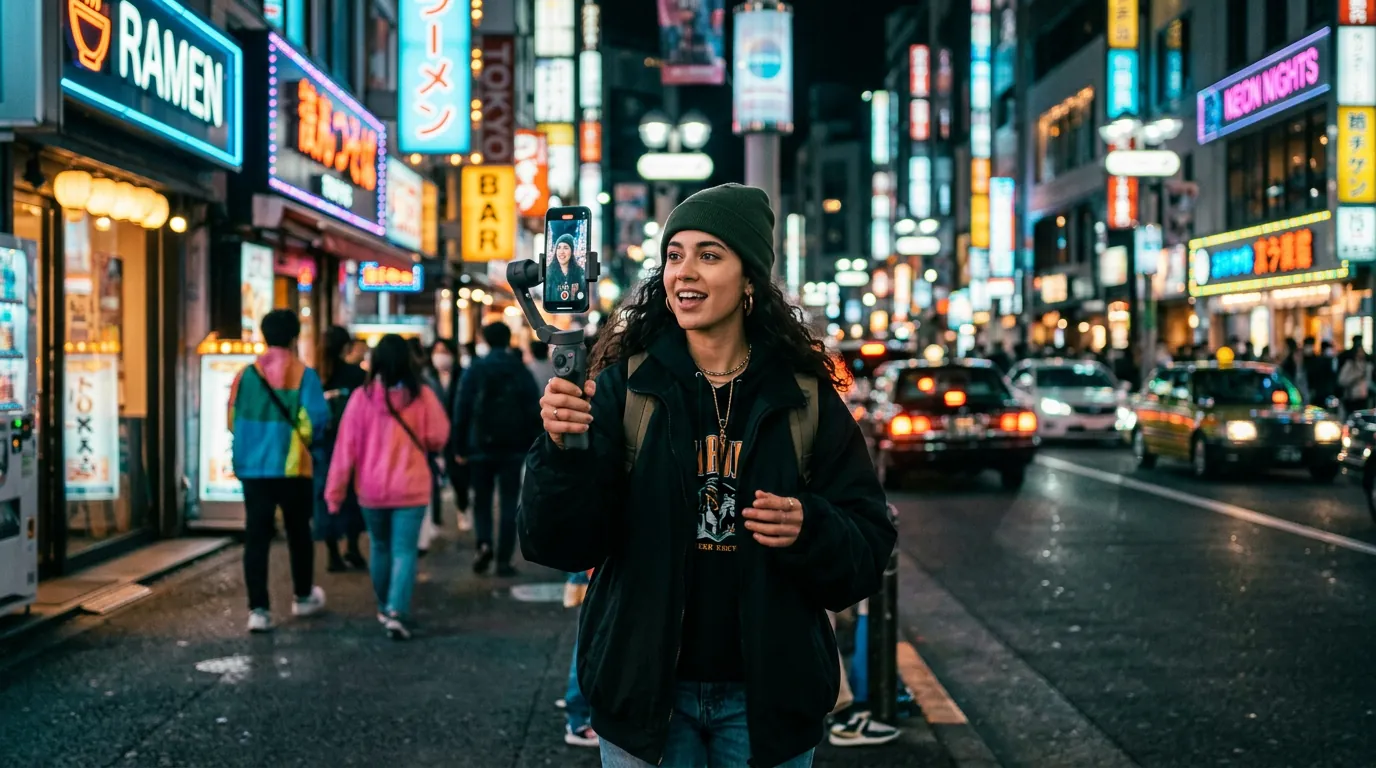
Which Higgsfield tool should you use? A decision guide by project
Match your project — social video, ad, short film, portrait, product photo — to the right Higgsfield studio or model with one simple decision table.
Read guide →What is inside Higgsfield
One platform, many creative tools.
Higgsfield brings leading image and video models together with its own studios. Here is the map, in one minute.
Real examples
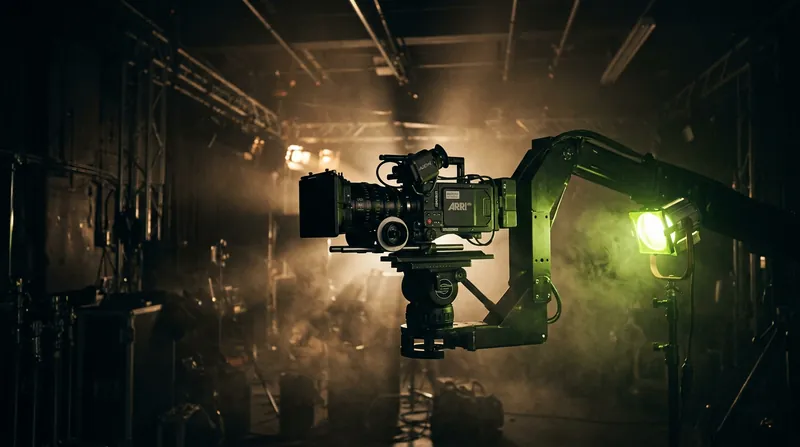
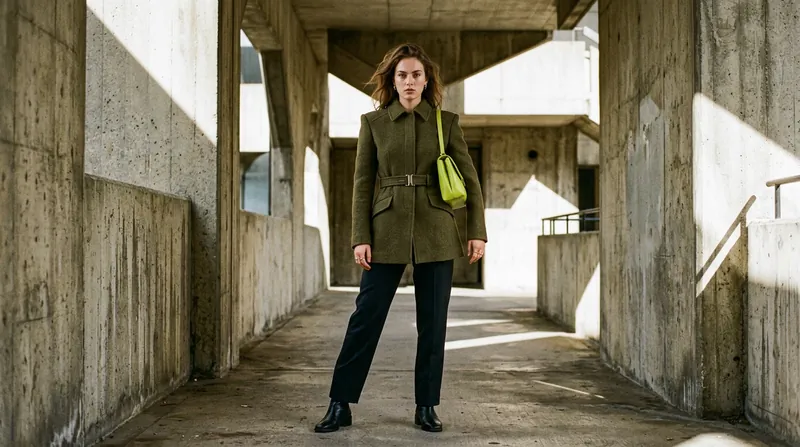
Every image on this site was made with Higgsfield.
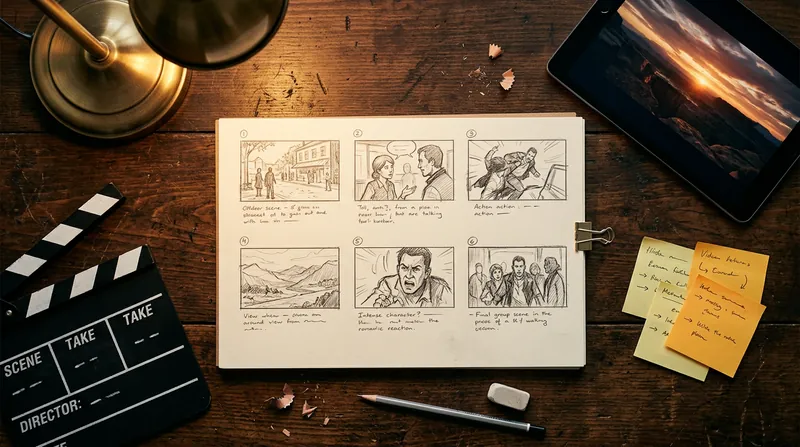
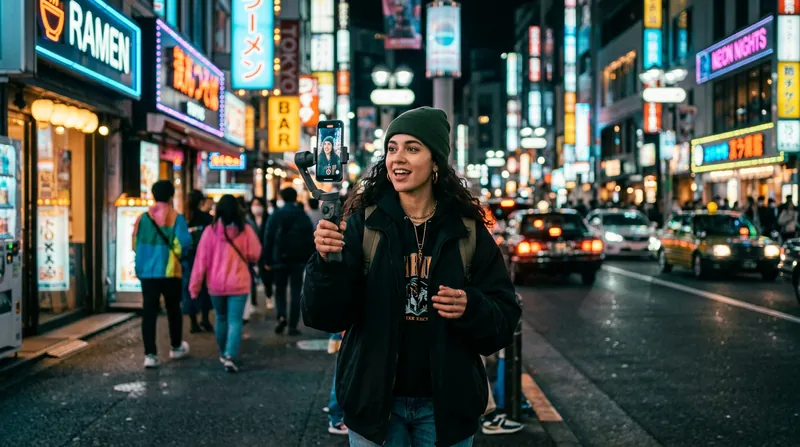
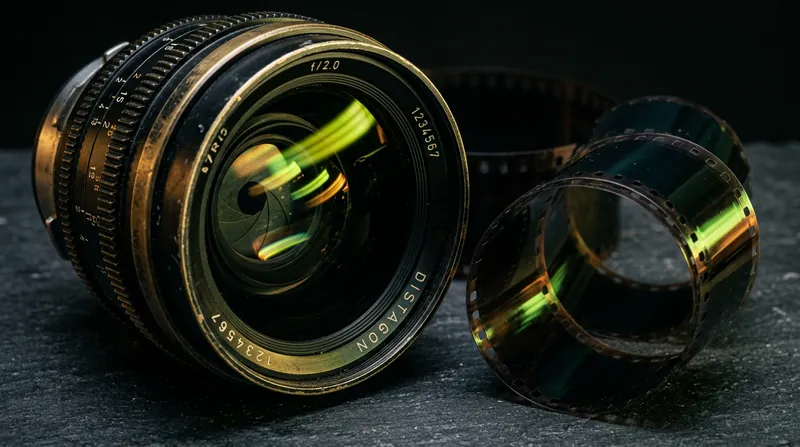
We do not use stock photos. Each visual was generated on Higgsfield with one prompt, and we publish the prompts so you can learn from them and reuse them.
- Prompts shown in full — copy them, change the subject, compare results.
- Model named for every image — so you know what produced what.
- No retouching — only resized and compressed for the web.
Prompt gallery
Steal these prompts.
All made with Nano Banana 2 on Higgsfield, 16:9, first try.

Open the full prompt library (40+) → Learn how to write them
How we work
Useful first. Hype never.
We are an independent publication. Here is what you can expect from every page.
Practical, step by step
Each guide ends with something you can actually make, with the exact steps, settings and prompts.
Honest about limits
We separate official facts from our own observations, and we say when a tool is not the right fit.
Kept up to date
Higgsfield ships new models every month. Every guide shows the date its facts were last checked.
Your turn
Turn your next idea into images and video.
Open Higgsfield, pick a model and try one of the prompts above. It takes less than five minutes.
Try Higgsfield now ↗ Independent site, not affiliated with Higgsfield. This link goes to the official website and is not an affiliate link.